Organizing an event can be exciting, but it can also be expensive. From designing posters to managing schedules, there are many small tasks that add up. Luckily, there are free tools that help event organizers save both time and money. These tools make teamwork smoother, designs better, and guests happier, all without breaking the budget.
Here are ten free tools every event organizer or small event team should know about.
1. Canva
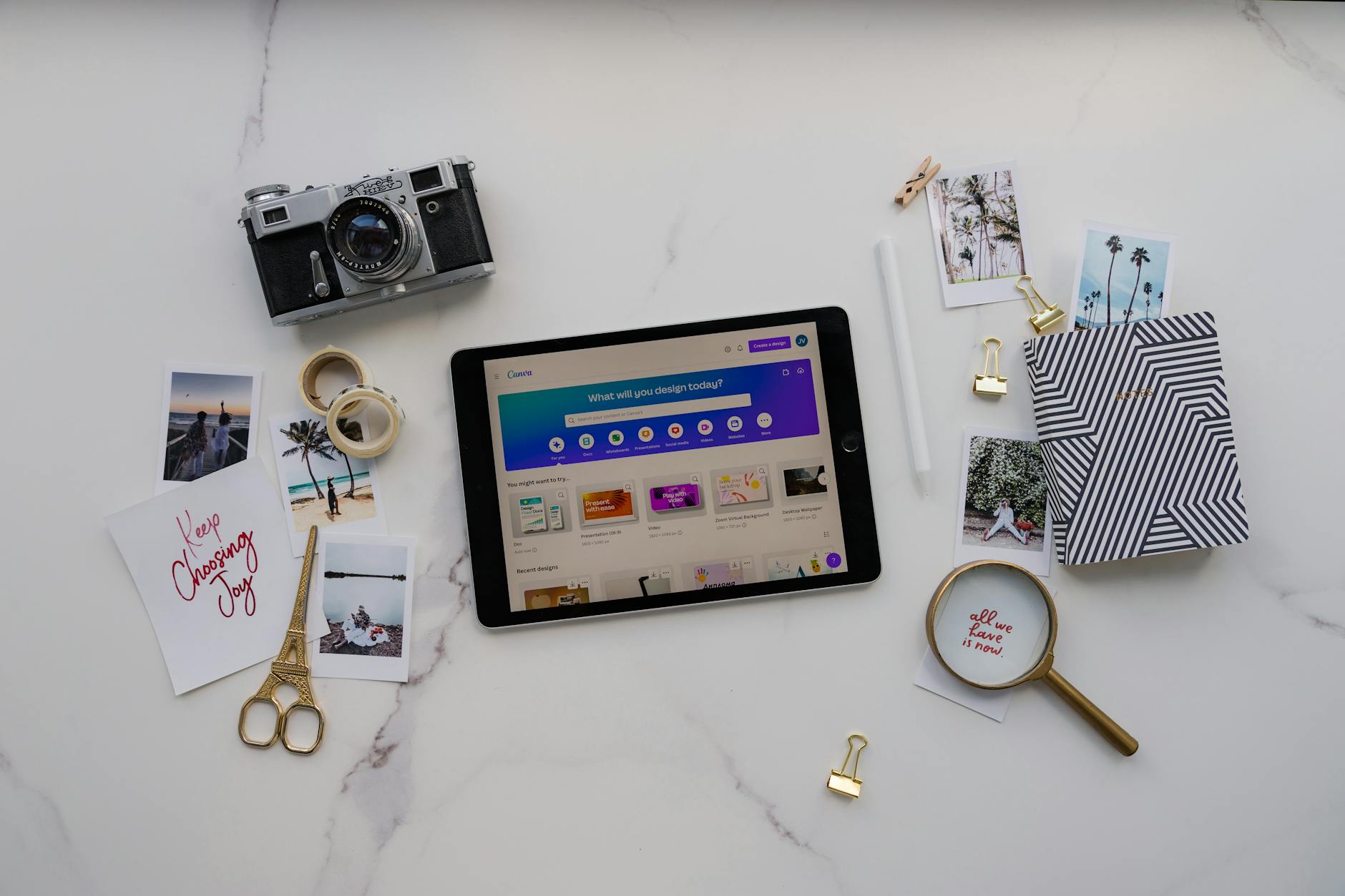
Canva is one of the best free tools for event organizers. You can create posters, flyers, social media posts, and digital invitations in minutes. It has ready-to-use templates that make your event look professional, even if you are not a designer.
Best For: Posters, social media graphics, and invitations.
Tip: Use Canva’s “Magic Write” or AI design tools to save time when creating captions and layouts.
2. Freedcamp
Freedcamp helps your event team stay organized. You can assign tasks, set deadlines, and track progress. It’s free for small teams and easy to learn.
Best For: Task tracking, event timelines, and team communication.
Tip: Use the calendar view to see the whole event plan at a glance.
3. Simplified
Simplified is a great choice if your event needs content creation, design, and scheduling tools together. It offers free AI features that help you write posts, make designs, and plan your event marketing.
Best For: Creating social media posts and AI-generated content.
Tip: Use the “AI writer” to quickly write catchy captions for event promotions.
4. Stackby
Stackby combines spreadsheets with automation. You can track attendees, vendors, budgets, and even sponsors using ready-made templates. It’s perfect for organizers who like lists and structure.
Best For: Tracking guests, finances, and logistics.
Tip: Start with a free “Event Management” template and customize it as you go.
5. Mobilizon
Mobilizon is a free and open-source tool for managing community or local events. It helps you create event pages, share updates, and communicate with your guests easily. It’s great for non-profits or budget-friendly teams.
Best For: Local or community events.
Tip: Use Mobilizon to promote recurring events, like workshops or meet-ups.
6. IIMAGINE
IIMAGINE offers free templates made with AI to help plan events. You can use them for creating proposals, budgets, or schedules. It’s like having a virtual assistant that gives you a head start.
Best For: Quick event documents and planning outlines.
Tip: Try prompts like “Create a simple event plan for a product launch” to get started fast.
7. Anakin.ai
Anakin.ai helps you create complete event plans automatically. You can add your event details, and it builds a schedule, to-do list, and budget in seconds.
Best For: Beginners or solo organizers.
Tip: Add details such as event type and number of guests to get better results.
8. Easy-Peasy.ai
If you are short on time, Easy-Peasy.ai helps you create event plans with easy templates. Just fill in the blanks, and it generates your plan. It’s simple and beginner-friendly.
Best For: Small parties, office events, or school functions.
Tip: Try the free “Event Planner Template” to make a checklist for your next event.
9. Zapier
Zapier connects your apps and automates tasks. For example, it can link your registration form to email invites or reminders. Even the free plan saves you hours of manual work.
Best For: Automating event registration and follow-ups.
Tip: Create a workflow that sends thank-you emails automatically after the event ends.
10. Tawk.to
Tawk.to is a free live chat tool you can add to your event website. Guests can ask questions about tickets, parking, or schedules, and your team can reply instantly.
Best For: Guest support and real-time help.
Tip: Set up common answers in advance so your team replies faster during busy times.
Bonus: Combine Tools for Maximum Results
You don’t need to use every tool. Pick the ones that match your event goals. Here’s one simple setup for budget-friendly success:
- Design: Canva
- Teamwork: Freedcamp
- Promotion: Simplified
- Automation: Zapier
- Guest Support: Tawk.to
This combination helps you design, plan, promote, and manage your event smoothly.
Simple Prompts You Can Try
- “Create a simple wedding event plan for 100 guests under Rs. 5 lakh.”
- “Write an email invite for a community art festival.”
- “Design a colorful poster for a school sports event.”
- “Make a social media post promoting an upcoming tech conference.”
- “Build a checklist for a one-day product launch event.”
Try these prompts in any AI tool mentioned above to see how fast AI can help.
Practical Tips for Event Teams on a Budget
- Start early to test tools before the event.
- Use free versions first and upgrade only if needed.
- Keep your data safe by saving copies in Google Drive.
- Choose tools your team finds easy to use.
- Plan weekly check-ins to track progress.
- After the event, collect feedback to learn what worked.
Conclusion
AI and free tools are making event management easier for everyone. You don’t need a big budget or a large team to organize a great event. With tools like Canva, Freedcamp, and Zapier, even small teams can plan smartly and deliver big results. Start with one or two tools, explore, and build from there.
Disclaimer
This article is for general information only. Features of free tools may change depending on each platform’s terms. Always review tool updates before use.