Not long ago, a personal assistant was a privilege reserved for executives, celebrities, and heads of state. Someone who managed the calendar, filtered the inbox, prepared the briefing, and knew exactly which calls to take and which to defer. The rest of the world made do with sticky notes and good intentions.
That has changed. AI personal assistants are now available to anyone with a smartphone and an internet connection. They draft emails, summarise documents, schedule meetings, answer questions, set reminders, and carry on conversations that feel, increasingly, like talking to a very well-informed colleague. They do not sleep, they do not forget, and they do not need a salary review.
This article explains what AI personal assistants are, how they work in plain terms, what they can realistically do, who benefits most from using them, and where the technology is heading next.
What an AI Personal Assistant Actually Is
An AI personal assistant is software that understands instructions given in natural language and acts on them. You do not need to learn commands or use specific syntax. You type or speak in the way you would to a person, and the assistant interprets what you mean and responds accordingly.
The underlying technology is built on large language models, which are systems trained on enormous quantities of text. That training allows them to understand context, generate coherent responses, complete tasks, and adapt to the way a particular person works over time. The best current assistants also connect to external services, meaning they can access your calendar, read your emails, search the web, and interact with other apps on your behalf.
This distinguishes a modern AI assistant from an older, simpler type of voice assistant. The earlier generation of tools such as basic Siri or early Alexa could answer direct factual questions and control smart home devices. They were useful but limited. Today’s AI assistants reason, draft, summarise, analyse, and in some cases take sequences of actions across multiple platforms without needing step-by-step guidance.
What AI Personal Assistants Can Do
The range of tasks an AI personal assistant handles has expanded substantially. A useful way to think about it is in three broad categories: communication, organisation, and knowledge work.
Communication tasks include:
- Drafting emails in your tone and style based on brief instructions
- Summarising long email threads so you can read the conclusion without wading through the full exchange
- Composing messages, replies, and follow-ups across different platforms
- Transcribing and summarising meeting recordings so the key decisions and action items are captured without anyone manually taking notes
- Translating text and helping craft communications for international audiences
Organisation tasks include:
- Scheduling meetings and managing calendar conflicts
- Setting reminders and following up on tasks that have not been completed
- Creating to-do lists and prioritising them based on deadlines and importance
- Sorting and categorising information so it can be retrieved quickly
- Managing travel logistics such as researching options and collating itinerary details
Knowledge work tasks include:
- Researching topics and producing summaries from multiple sources
- Drafting reports, proposals, presentations, and creative content
- Analysing data and identifying patterns when provided with a spreadsheet or dataset
- Answering complex questions by reasoning through available information
- Brainstorming ideas, offering counterarguments, and helping refine thinking
These are not theoretical capabilities. They are things professionals across industries are using AI assistants to do every single working day right now.
A Day in the Life: Real Examples
Abstract descriptions of what AI can do are less useful than concrete examples of how people actually use it. Here are a few that illustrate the range.
A freelance consultant starts her morning by asking her AI assistant to summarise the three client emails that arrived overnight and flag anything that needs a response by noon. She dictates a brief for a report she needs to write, and the assistant produces a first draft. She edits the draft rather than writing from scratch, saving an hour. By the time she finishes her coffee, her inbox is managed and the hardest part of her writing day is done.
A small business owner uses an AI assistant to handle first-pass customer enquiries on his website. The assistant answers common questions, routes complex ones to a human, and logs every interaction. He no longer needs to hire someone specifically for this task. The assistant also reminds him of outstanding invoices and drafts the follow-up messages.
A student uses an AI assistant to help her understand complex academic papers. She uploads a paper, asks the assistant to explain the key argument in plain language, and follows up with specific questions about sections she finds unclear. She is not asking it to write her assignments; she is using it the way she might use a very patient tutor who is available at two in the morning.
A busy parent uses a voice-based AI assistant to manage the household calendar, set grocery reminders, find a plumber, check school schedules, and keep track of what needs to happen in the week ahead. It is not glamorous knowledge work, but the reduction in cognitive load across a dozen small decisions each day is genuinely significant.
The Most Widely Used AI Assistants Right Now
Several AI assistants have established themselves as the leading options for personal and professional use.
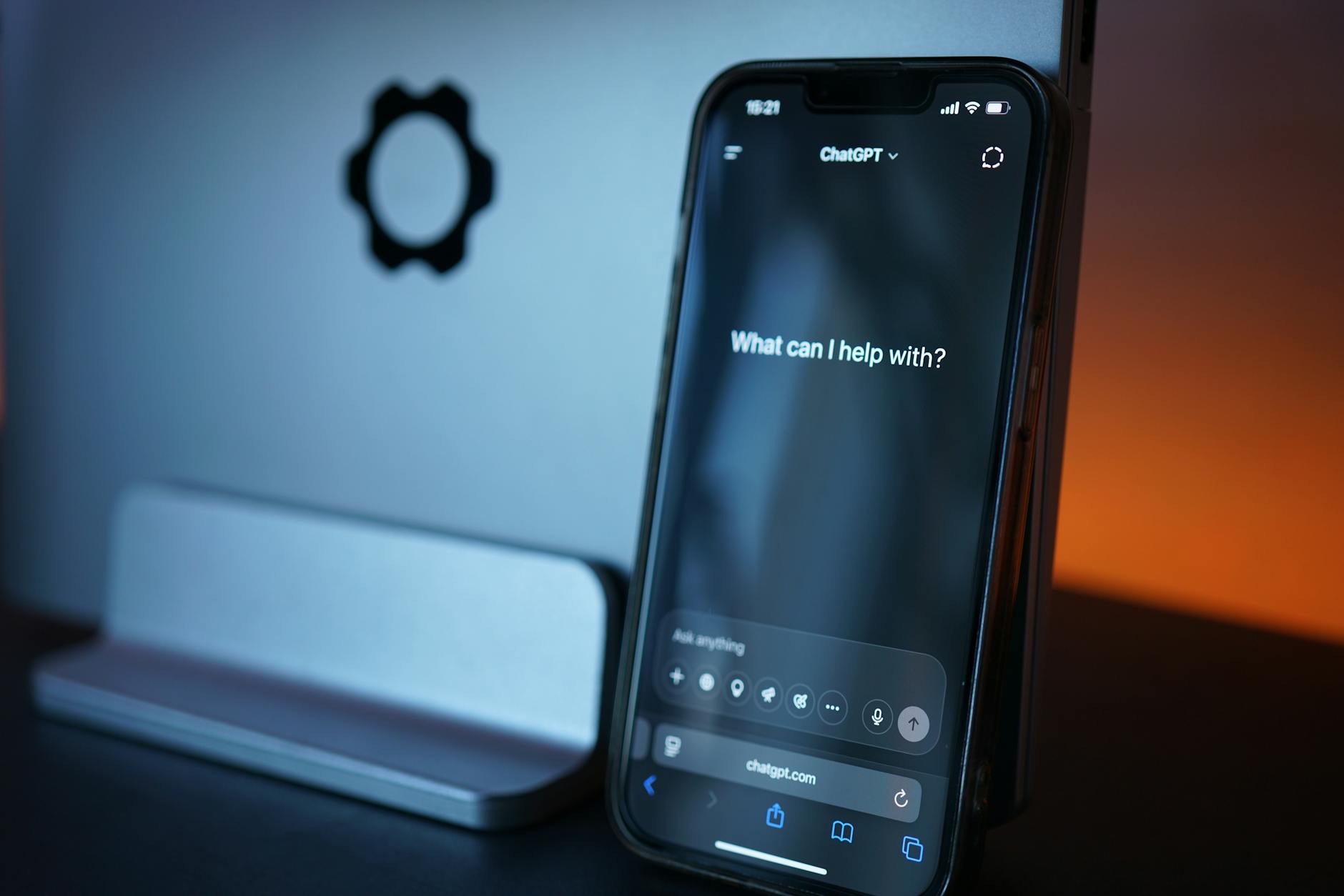
- ChatGPT (OpenAI): The most widely recognised AI assistant globally. Strong across writing, research, coding, analysis, and conversation. Available via browser and mobile app, with a paid tier that unlocks more powerful capabilities and broader integrations.
- Claude (Anthropic): Particularly strong at handling long documents, nuanced reasoning, and extended conversations. Designed with an emphasis on thoughtful, careful responses. Available via web and app, with integrations that allow it to connect to tools like Google Drive and Gmail.
- Gemini (Google): Integrated directly into Google’s ecosystem, making it especially useful for anyone who works heavily in Gmail, Google Docs, Google Calendar, or Google Drive. Responds to natural language queries across all of these services.
- Microsoft Copilot: Built into Microsoft 365, meaning it operates directly inside Word, Excel, Outlook, PowerPoint, and Teams. For anyone whose professional life runs on Microsoft Office, Copilot brings AI assistance to the tools they are already using every day.
- Apple Intelligence: Apple’s integrated AI layer across iPhone, iPad, and Mac, handling writing assistance, notification summaries, smart replies, and Siri enhancements across the device ecosystem.
Each has different strengths, and most people who use AI assistants seriously end up using more than one, depending on the task.
Who Benefits Most
AI personal assistants are useful to almost everyone, but certain groups see disproportionate gains.
Professionals managing high volumes of communication find the drafting and summarising capabilities transformative. The inbox that once took two hours to process can be managed in forty minutes.
Solo operators and small business owners gain the leverage that large businesses get from dedicated staff. An AI assistant can handle research, communication, content, and organisation without adding headcount.
People with accessibility needs benefit significantly from voice-driven AI assistants that can perform complex tasks through conversation, reducing reliance on keyboard and screen interaction.
Students and researchers use AI assistants to accelerate understanding, structure thinking, and work through complex material more efficiently than reading alone allows.
Anyone who works across time zones finds that an AI assistant handles questions and tasks at hours when colleagues are unavailable, keeping work moving without burning out the humans involved.
Privacy, Limitations, and Responsible Use
AI personal assistants are powerful, but they come with considerations worth understanding.
Privacy is the most important. When you share documents, emails, or personal details with an AI assistant, that information is processed by the underlying system. Major providers have privacy policies governing how data is handled, but the principle stands: do not share information you would not want outside your private environment unless you have verified how it is handled. Many enterprise-grade tools offer local or on-premise deployment specifically for this reason.
Accuracy is not guaranteed. AI assistants can produce incorrect information with the same confident tone they use for correct information. Any output that will be relied upon for important decisions should be verified against primary sources.
They work best with clear, specific instructions. Vague prompts produce vague results. The more clearly you can describe what you need, the closer the output will be to what you actually want. This is a learnable skill that improves quickly with practice.
They are tools, not replacements for judgment. An AI assistant can draft the email, but it cannot know all the relationship dynamics involved in how it will be received. It can summarise the document, but it cannot replace the expertise needed to evaluate what the summary means. The human remains in the decision seat.
Where Things Are Going
The trajectory of AI personal assistants is toward greater autonomy, deeper personalisation, and broader integration across the tools people use every day.
The current generation largely responds to instructions. The emerging generation acts on goals. Rather than being told to schedule a meeting, an assistant working at this level would understand that a project is behind schedule, identify the relevant people, find a time that works across multiple calendars, draft the agenda, and send the invitations, all from a single instruction to get the project back on track.
Multimodal capabilities are also expanding. Assistants increasingly handle not just text but images, audio, video, and data in combination. Showing an assistant a photograph of a document, a screenshot of a problem, or a clip of a meeting and asking it to work with that information is already possible with leading tools and is becoming more capable rapidly.
The personal assistant that was once a privilege of the few is becoming a practical tool for anyone who chooses to use it. The learning curve is low. The potential upside is genuinely large. The main requirement is a willingness to try.
Disclaimer: This article is intended for general informational purposes only. AI tool capabilities, pricing, and availability change regularly. Always review the privacy policies and terms of service of any AI tool before sharing personal or confidential information.